
Your Home in 3D
Light your own home in 3D before you buy a single fitting
Upload the 3D model your interior designer made. Put Sol Luminaire lights where you'd want them, then walk through your rooms after dark and see how they feel.
Sign in, add your contact details, then upload. Your home is ready to light about 3 to 7 minutes later.
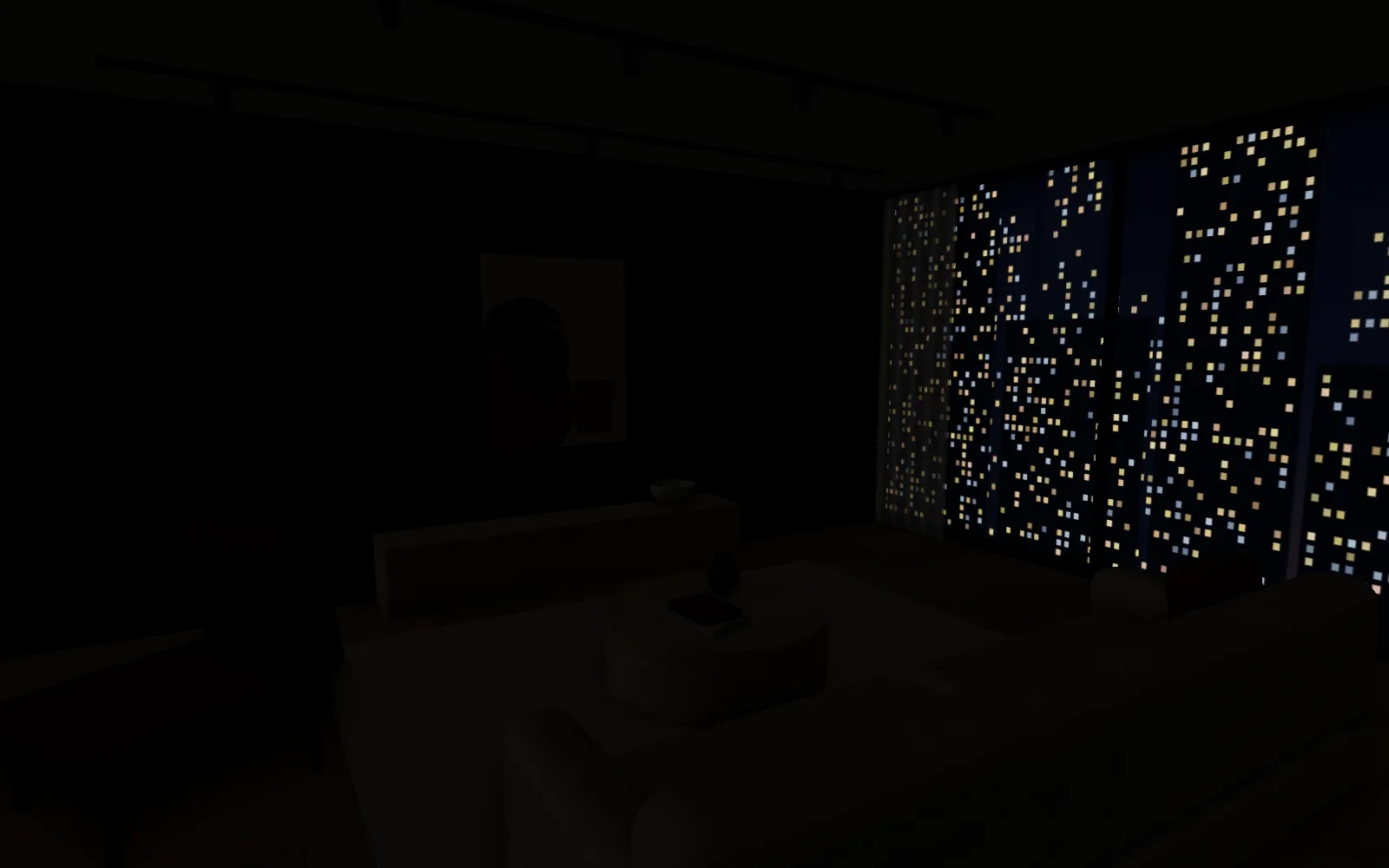
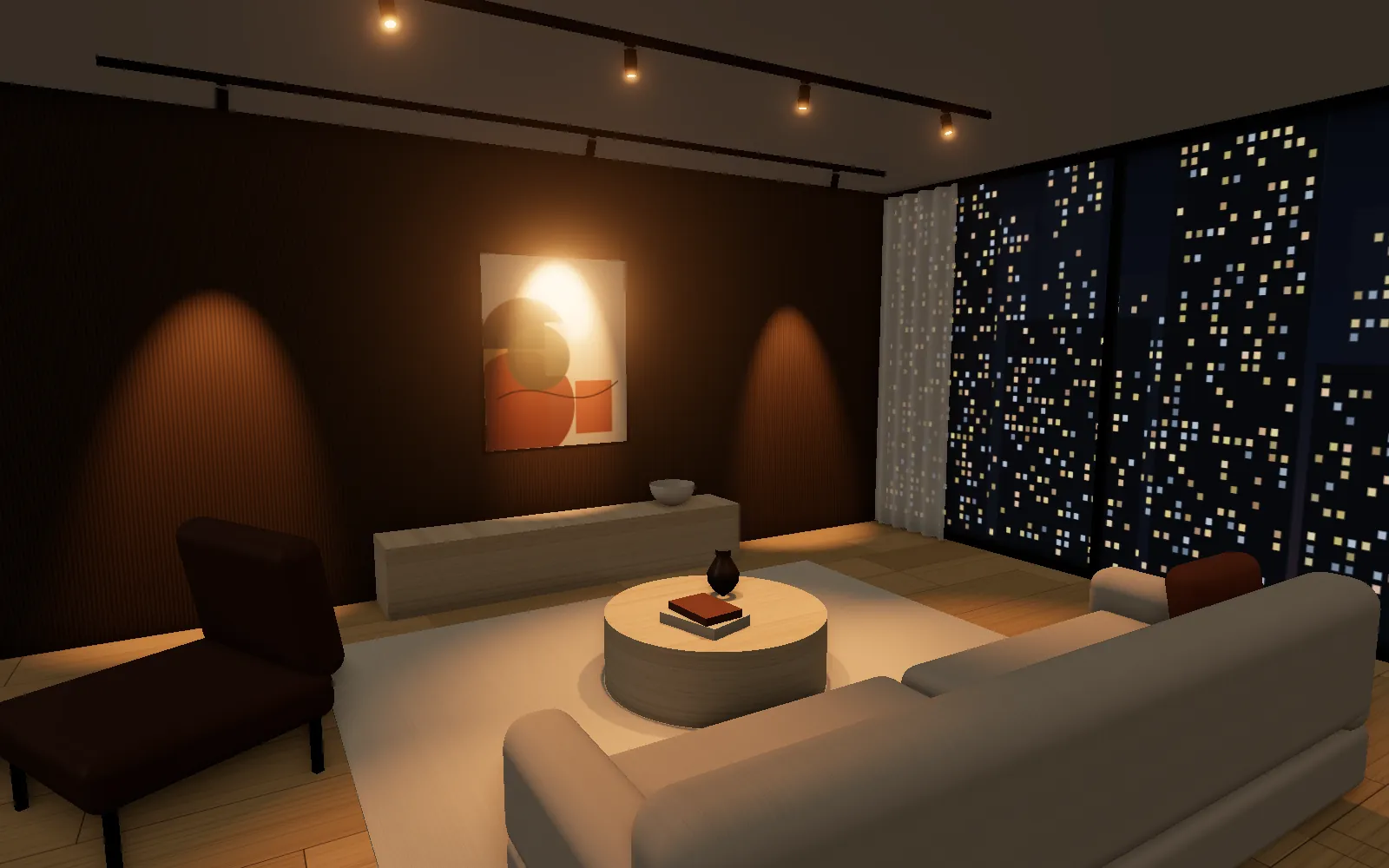
How it works
From your designer's file to a lit home, in three steps
-
01
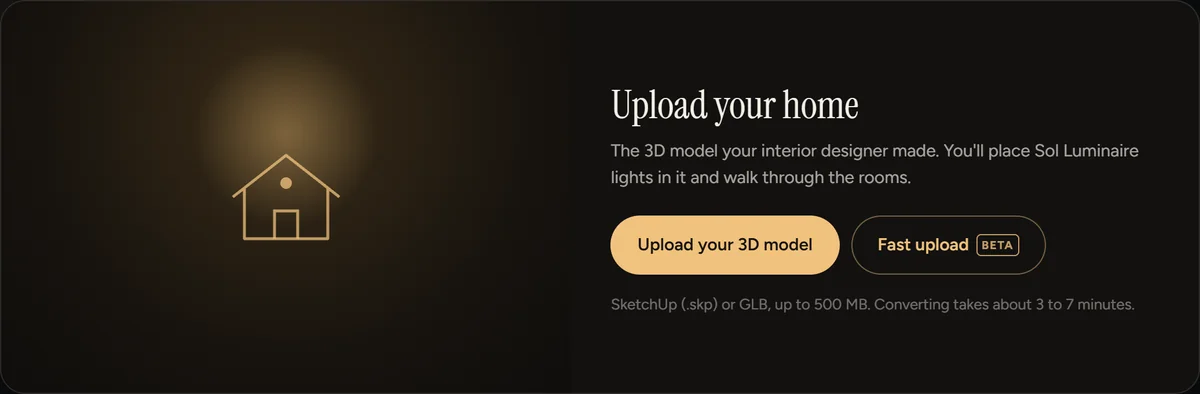
Upload your designer's 3D model
The SketchUp (.skp) file of your home, or a GLB export, up to 500 MB. We prepare it for the web on our server in about 3 to 7 minutes. Once the upload finishes you can close the page; it'll be waiting when you come back.
-
02
Place lights where you'd put them
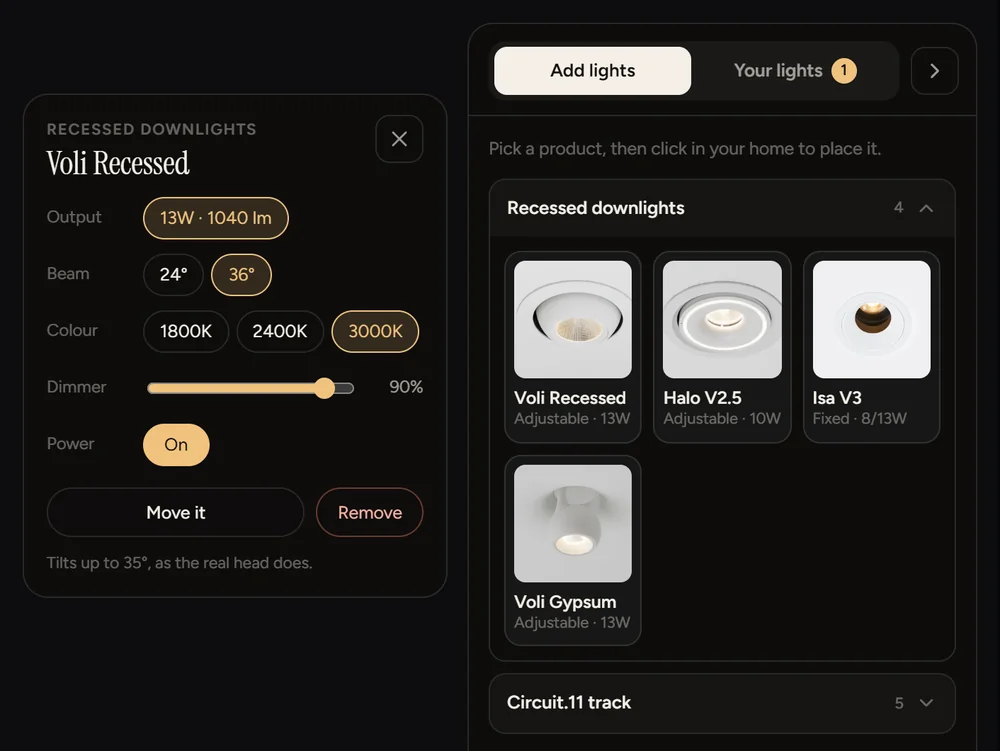
Pick a product, tap the ceiling, and it's there. Set each light's output, beam, colour temperature and dimming, and drag it to a new spot whenever you like. The fitting count and connected load add up as you go.
-
03
Walk through it after dark
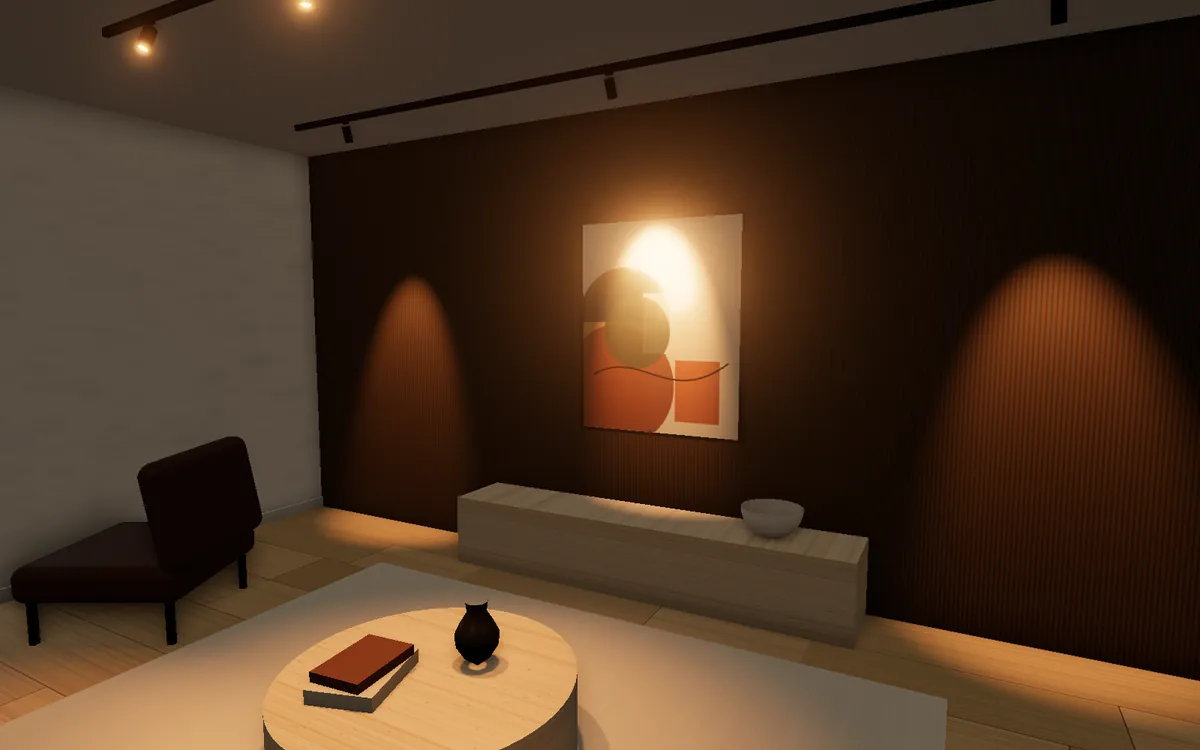
Move room to room at eye level, or look down on the whole plan. Everything you place is saved to your account, so you can carry on from your phone or your laptop and show the family.
Why see it first
Decide before anyone cuts into the ceiling
Downlights go in once. Moving one after the ceiling is up means patching, repainting and a second visit from your contractor.
-
See where every light lands
The spacing between downlights, where each beam falls on the wall, which corners stay dark. You'll see it in your own rooms, at your own ceiling height.
-
Warm or cool, in the same room
Switch a light between its colour temperatures and compare them where you'll actually live with them, rather than under showroom lighting.
-
Know what you're buying
A running count of fittings and watts as you plan, so the list you leave with matches the home you lit.
-
Help from our lighting team
Our team sees the lights you placed and can help you finalise the list, the quantities and the colour temperatures.
The lights you can place
Our recessed downlights and Circuit.11 track
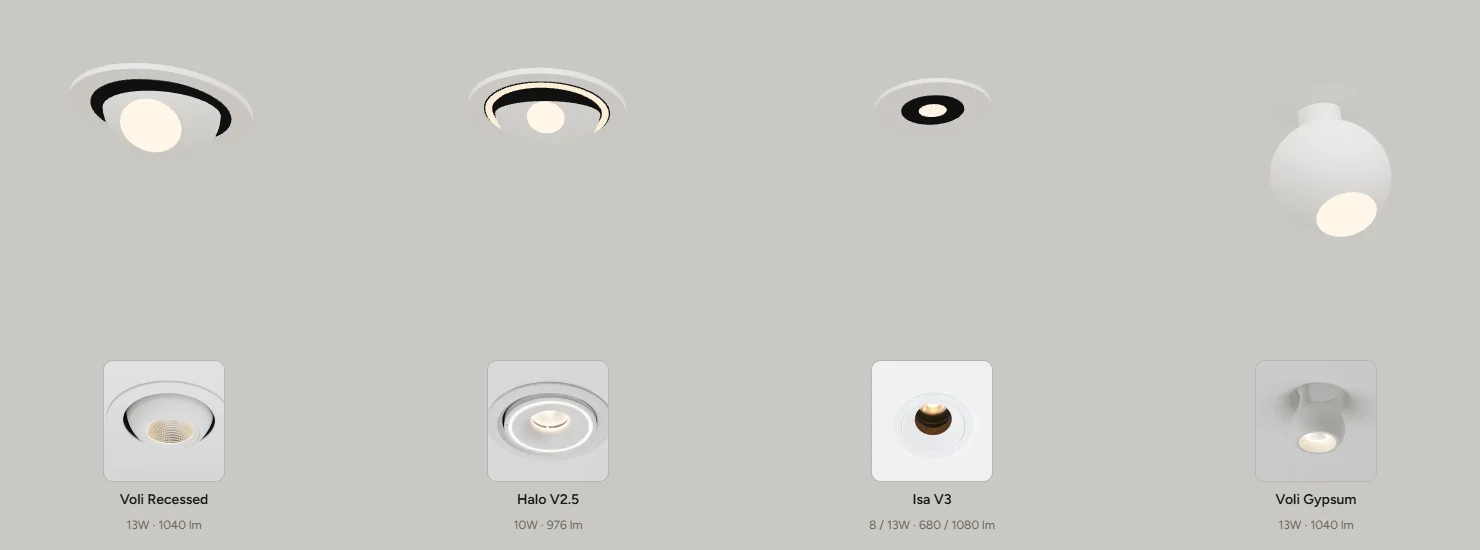
- Voli RecessedAdjustable · 13W · 1,040 lm
- Halo V2.5Adjustable · 10W · 976 lm
- Isa V3Fixed · 8 or 13W · 680 or 1,080 lm
- Voli GypsumAdjustable · 13W · 1,040 lm
- Circuit.11 trackGlobula, Fluted Globula, Boba, Line Mini, Ambient
Output and lumens come from our product pages. Beam spreads are close estimates until each fitting's IES light file is loaded.
Questions
Before you start
What file do I need?
The SketchUp (.skp) file of your home from your interior designer, or a GLB export of it, up to 500 MB. Ask for the whole model with the furniture in: light reads properly when it has something to land on.
My designer hasn't sent the file yet
Sign in now and add your details, then upload whenever it arrives. If you're at one of our showrooms, ask the team to show you a sample home in the meantime.
Does it work on my phone?
Yes. You can place lights and walk through on a phone. A big file uploads faster from a laptop on Wi-Fi, and the page needs to stay open until the upload finishes. After that the conversion runs on our server.
Who can see my home?
Only you and Sol Luminaire's lighting team. We use your details to help with your lighting, as set out in our privacy notice.
Why sign in with Google?
Your home and your lights stay on your account without another password to remember, and they're there on any device you sign in on.
Ready when your designer's file is
Sign in, tell us how to reach you, and upload. Then pick your first light.
Continue with GoogleBy continuing you agree to Sol Luminaire using your details as set out in the privacy notice.